Most stock errors in a warehouse are typing errors: the wrong product picked, the wrong quantity keyed in, a delivery confirmed that never left the shelf. Barcode scanning removes most of them. In Odoo, the Barcode app turns every receipt, transfer, pick and count into a scan-and-confirm flow on a handheld, a phone or a tablet, and it updates stock in real time.
FlexCode Middle East is part of FlexCode Systems GmbH, an Odoo Silver Partner. We implement Odoo, so Odoo is the system we describe, next to an honest look at the topic itself.
Key points
- Scan, do not type. Scanning products, locations and lots removes most picking and receiving errors.
- Any scanner works. Rugged Android handhelds are best for busy warehouses; phones work for small teams.
- Label locations too. Location barcodes confirm that stock goes to and comes from the right shelf.
- Roll out by process. Start with receipts or counts, then picking, so the team learns in steps.
What the Barcode app does
The Barcode app is a scanning interface on top of Odoo Inventory. Workers open an operation, scan the source location, scan each product (and lot or serial if tracked), scan the destination, and validate. Odoo checks every scan against the expected document and warns immediately if a product is not on the order or the quantity is over.
| Operation | What is scanned | Main benefit |
|---|---|---|
| Receipt | Supplier products, lots, put-away location | Accurate receipts against the purchase order |
| Picking | Location, product, lot or serial | Right item from the right shelf |
| Packing | Products into a package | Complete parcels, correct contents |
| Internal transfer | Source, product, destination | Stock always where the system says |
| Inventory count | Location, then each product | Fast cycle counts without paper |
Choosing scanners and printers
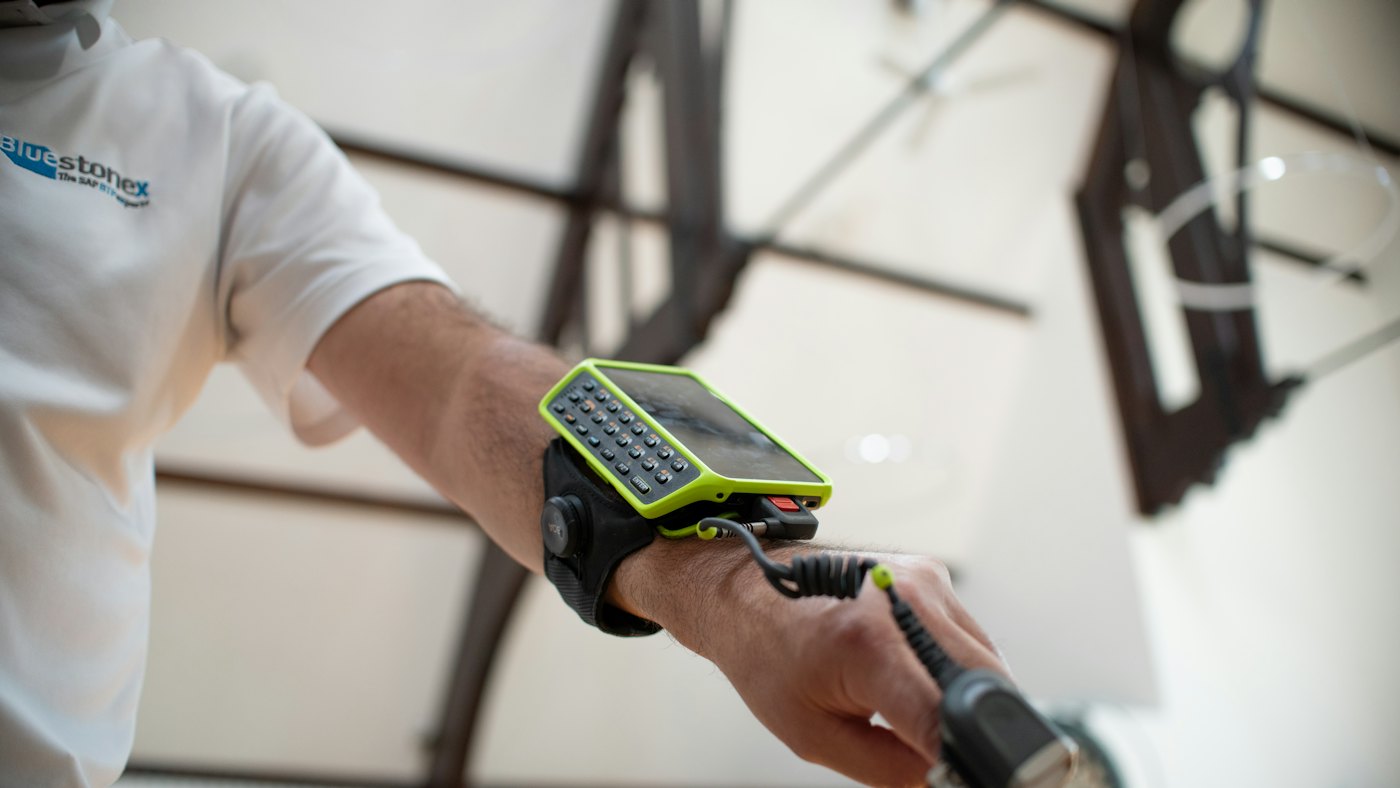
Odoo runs in the browser, so most scanners work. A scanner that acts as a keyboard sends the code as typed text; Android handhelds with a built-in scanner run Odoo in their browser or the Odoo mobile app. The right choice depends on volume, distances and how rough the environment is.
- Rugged Android handheld with built-in scanner: best for busy warehouses and cold rooms.
- Bluetooth ring or pocket scanner paired with a phone: light and cheap for small teams.
- USB scanner at a packing desk: simple and reliable for a fixed station.
- Phone camera: fine for occasional counts, too slow for high volume picking.
- Thermal label printer for product, location and shipping labels.
Barcodes, GS1 and labels
Each product needs a barcode in Odoo. Many already carry a manufacturer EAN or UPC; for your own products you can register GS1 codes or print internal codes. Odoo also reads GS1-128 and GS1 DataMatrix codes, which can carry the product, lot number, expiry date and quantity in one scan. Pharmaceutical products in the Gulf increasingly carry DataMatrix codes for track and trace.
- Clean up product barcodes before go-live: no duplicates, no blanks for stocked items.
- Label every location, rack and bin with its own barcode.
- Add barcodes to packaging units, such as a carton of 12, so one scan adds 12.
- Print operation and command barcodes so workers can validate without touching the screen.
For tracked products, read lots, serial numbers and expiry dates in Odoo; for Egyptian item coding, see GS1 and EGS item codes.
Stock counts with barcodes
Counting is often the fastest win. Instead of closing the warehouse for a yearly count on paper, teams count a few locations every day: scan the bin, scan what is in it, and apply. Differences are posted as inventory adjustments with the right accounting, and the warehouse never stops.
Daily
Cycle counts replace the yearly shutdown
1 scan
Per carton with packaging barcodes
Live
Stock levels update on validation
0 paper
Pick lists and count sheets on the device
Our older guide on the stock card and inventory reports shows how to read the movement history after counts.
Rolling it out to the team
Week 1
Clean barcodes, label locations, buy and test devices.
Week 2
Start with receipts or cycle counts in one zone.
Week 3
Move picking and packing to scanning.
Week 4
Internal transfers and full warehouse, review errors.
Train the team on the floor, not in a meeting room. A 20 minute session at the shelf with real orders teaches more than an hour of slides.
Barcodes work best once the warehouse structure is right; start with multi-warehouse and routes in Odoo.
FlexCode rolls out barcode scanning
We clean your product data, label your locations, recommend and configure devices, and train your team on the warehouse floor.
Frequently asked questions
Do I need special scanners for Odoo?
No. Most scanners that act as a keyboard, and Android handhelds with a built-in scanner, work with Odoo.
Can Odoo read GS1 barcodes with lot and expiry?
Yes. Odoo supports GS1 nomenclature so one scan can fill product, lot, expiry and quantity.
Can I use a phone camera?
Yes, the Odoo app can scan with the camera, but it is slower than a dedicated scanner for high volumes.
Which edition includes the Barcode app?
The Barcode app is part of Odoo Enterprise.
Where should we start?
Start with cycle counts or receipts in one zone, then extend to picking and packing.
Talk to us about how Odoo fits your business. Book a free call
Run invoicing, stock and accounts from one system.
FlexCode Middle East implements Odoo in Arabic and English for companies in Egypt, Saudi Arabia and the UAE.