The stock card, or كارت الصنف, lists every receipt and issue of one product with a running balance. It is the first thing many auditors in Egypt ask for, and standard Odoo does not print it in that form.
FlexCode Middle East is part of FlexCode Systems GmbH, an Odoo Silver Partner. We implement Odoo, and our own apps are mentioned where they fit.
Key points
- Running balance. Opening balance, every movement and the closing balance.
- Quantity and value. Both, so it matches the accounts.
- PDF and Excel. Preview on screen, then export for the auditor.
What a stock card shows
| Column | Meaning |
|---|---|
| Date and reference | The receipt, delivery or adjustment |
| In | Quantity received |
| Out | Quantity issued |
| Balance | Running quantity after each line |
| Value | Cost of the movement and the running value |
| Date | Reference | In | Out | Balance |
|---|---|---|---|---|
| 1 Nov | Opening balance | 120 | ||
| 3 Nov | Receipt from supplier | 50 | 170 | |
| 5 Nov | Delivery to customer | 30 | 140 | |
| 9 Nov | Count adjustment | 2 | 138 |
Example: every line explains one movement, and the balance after the last line must match what is on the shelf.
Why standard reports are not enough
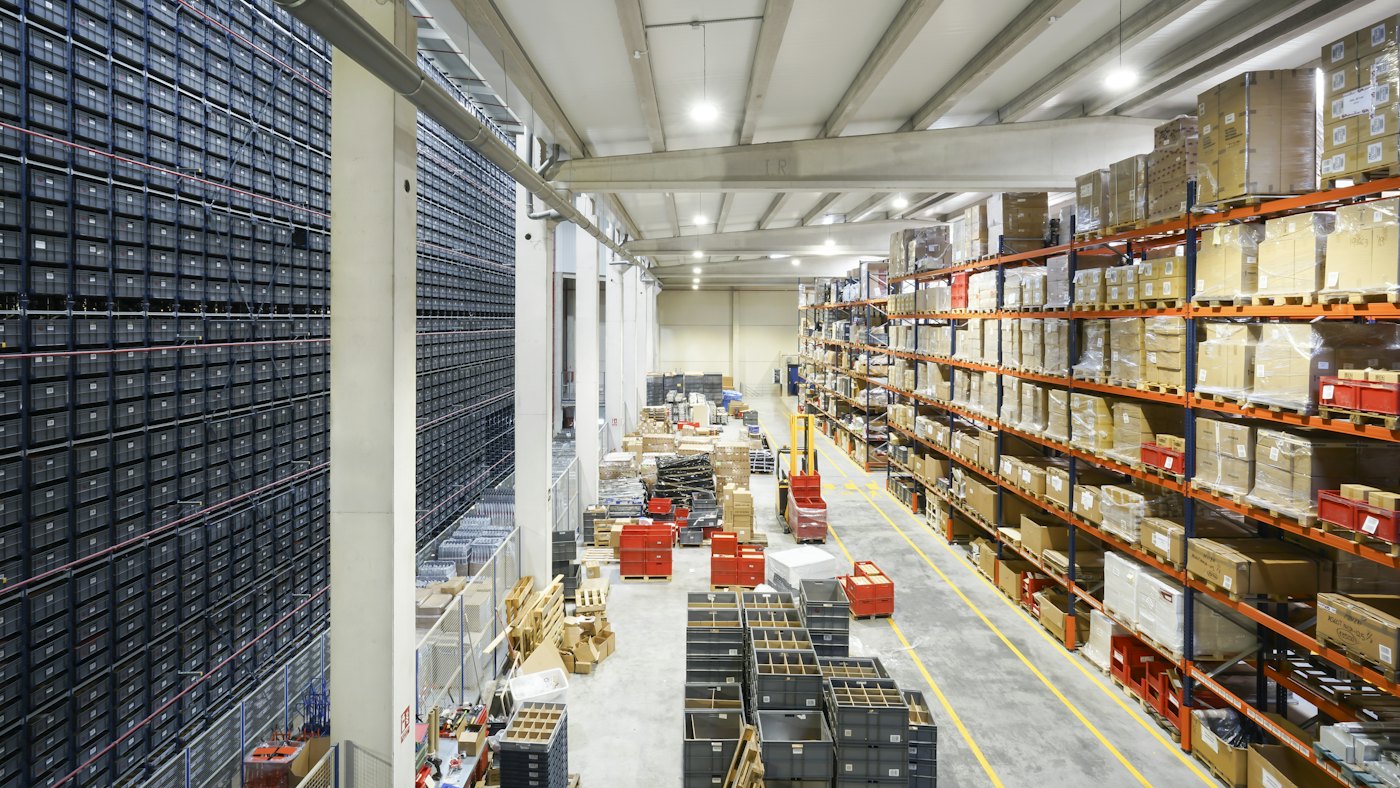
Odoo has a moves analysis and a stock valuation report, and both are powerful. But they are built for analysis, not for printing one product with a running balance per warehouse for a given period, which is what an auditor expects to sign.
Using the Stock Card Report app
- Choose the product, the warehouse and the period.
- Preview the card on screen and check the opening balance.
- Export to PDF for signature or Excel for analysis.
The app runs on Odoo.sh and on your own server.
Tips for a clean stock card
- Validate receipts and deliveries on the real date, not days later.
- Use inventory adjustments with a reason, never silent edits.
- Close the period after the count so old balances stay fixed.
Ready for the next audit
We install the report and check your opening balances with you.
Frequently asked questions
Can I print a stock card for all products at once?
Yes, for a selection of products, each on its own card.
Does it include values?
Yes, quantities and values, based on your costing method.
Does it work per warehouse?
Yes. Choose one warehouse or several.
Talk to us about how Odoo fits your business. Book a free call
This article explains the rules in general terms and is not tax or legal advice. Check the details for your company with your tax adviser.
Run invoicing, stock and accounts from one system.
FlexCode Middle East implements Odoo in Arabic and English, with e-invoicing set up for Egypt, Saudi Arabia and the UAE.