Excel built many successful businesses in the region. It is flexible, everyone knows it, and it costs almost nothing. But at some point the business grows past it: the stock sheet and the sales sheet disagree, three people edit the same file, the month-end close takes two weeks, and now the tax authority wants every invoice reported electronically. Moving to Odoo is less about replacing Excel than about giving the business one source of truth.
FlexCode Middle East is part of FlexCode Systems GmbH, an Odoo Silver Partner. We implement Odoo, so Odoo is the system we describe, next to an honest look at the topic itself.
Key points
- Know the signs. Conflicting numbers, slow closes and manual invoicing.
- E-invoicing forces it. ZATCA and ETA rules make spreadsheet invoicing impossible.
- Clean before import. Customers, products and balances cleaned in Excel first.
- Keep Excel for analysis. Export from Odoo when you need to model or explore.
Signs you have outgrown Excel
- Stock on the sheet does not match the shelf, and nobody knows which is right.
- The same customer appears with three spellings in three files.
- Month-end close takes more than a week.
- Invoices are typed in Word or Excel and numbered by hand.
- Only one person understands the formulas.
- Managers wait days for a sales or margin report.
- You need to report invoices to ZATCA or the ETA.
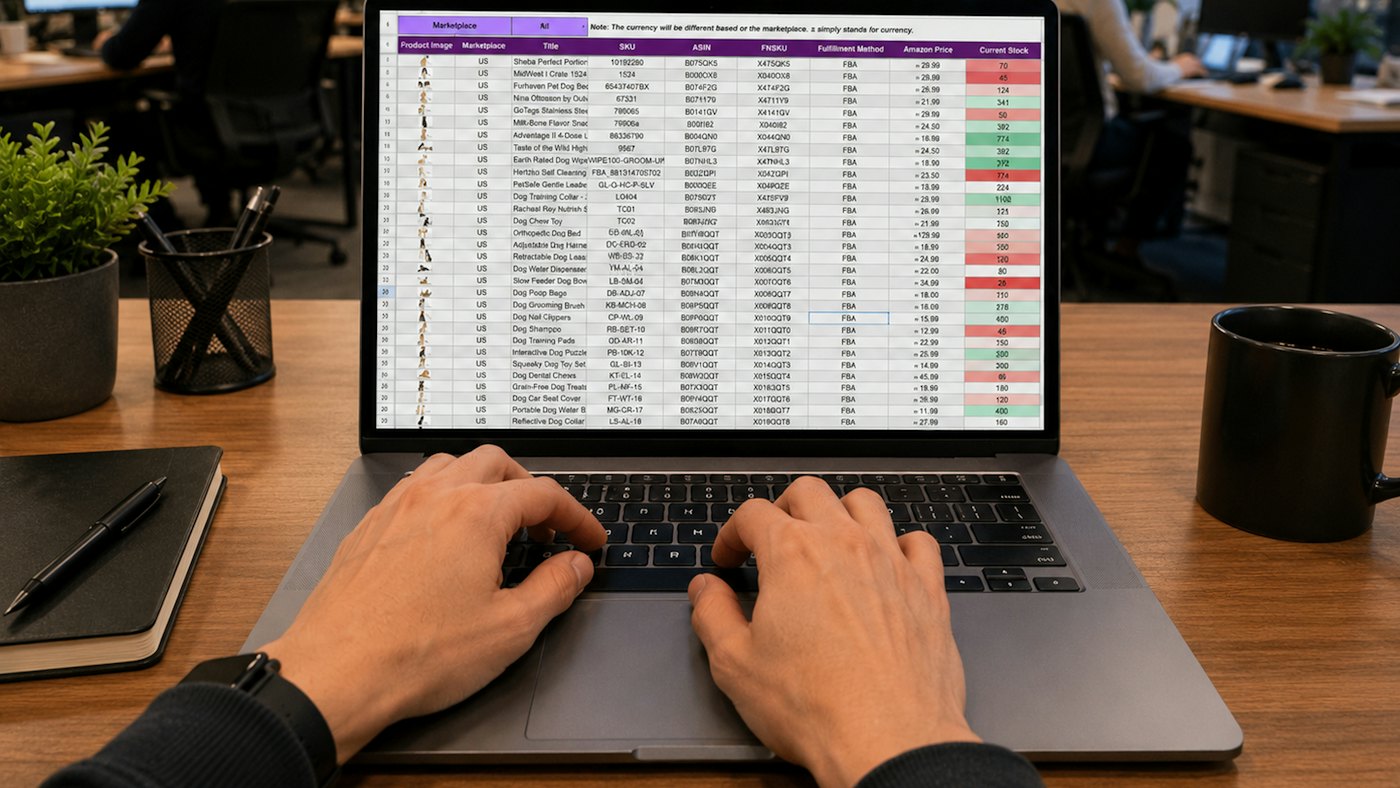
What changes in Odoo
| In Excel | In Odoo |
|---|---|
| Separate sheets for sales, stock and accounts | One database where a sale updates stock and accounts |
| Invoices typed and numbered by hand | Sequential invoices with QR codes, reported electronically |
| Stock updated when someone remembers | Stock moves with every receipt and delivery |
| Reports built by hand each month | Live reports and dashboards |
| Anyone can change any number | Access rights and an audit trail |
Start with the basics in the chart of accounts in Odoo and the Egyptian simplified e-invoicing guide for small companies in Egypt.
Bringing your Excel data across
Odoo imports Excel and CSV files directly, matching columns to fields. The work is in preparing the files: one row per record, no merged cells, consistent spellings, and codes instead of free text where possible. Import the master data first, then open balances, then open documents such as unpaid invoices.
- Customers and vendors, with tax numbers and addresses.
- Products with codes, units, prices, costs and barcodes.
- Opening stock by product and location.
- Trial balance at the cut-over date.
- Open customer and vendor invoices.
The full method is in data migration to Odoo.
Keeping Excel for what it does well
Excel stays useful for budgeting models, one-off analysis and what-if scenarios. Any list in Odoo can be exported to Excel, and Odoo Spreadsheet in Enterprise gives an Excel-like sheet with live data. The rule is simple: transactions live in Odoo, analysis can live in a spreadsheet.
1
Source of truth for transactions
Days
To a month-end close, not weeks
Direct
Excel and CSV import
Export
Any list back to Excel
For dashboards, read Odoo dashboards and reporting; for budget and timing, implementation cost and timeline.
Move from Excel to Odoo with FlexCode
We help you clean your spreadsheets, import them into Odoo, set up compliant invoicing and train your team, usually in a few weeks for a small company.
Frequently asked questions
When should a company move from Excel to ERP?
When numbers conflict, closing is slow, several people edit the same files or e-invoicing is required.
Can Odoo import my Excel files?
Yes, directly, after the data is cleaned and structured.
Can I still use Excel?
Yes, for analysis and models, with data exported from Odoo.
Is Odoo too big for a small company?
No. You can start with a few apps and add more later.
How long does the switch take?
For a small company, typically six to ten weeks.
Talk to us about how Odoo fits your business. Book a free call
Run invoicing, stock and accounts from one system.
FlexCode Middle East implements Odoo in Arabic and English for companies in Egypt, Saudi Arabia and the UAE.