Ask an owner in Riyadh, Dubai or Cairo what they want from a new ERP, and the answer is usually the same: "I want to see my numbers without waiting for the accountant." Odoo has the data for that from day one, because every sale, purchase, stock move and payment is recorded in one place. The work is in choosing the few numbers that matter, presenting them clearly, and making sure the underlying data is right.
FlexCode Middle East is part of FlexCode Systems GmbH, an Odoo Silver Partner. We implement Odoo, so Odoo is the system we describe, next to an honest look at the topic itself.
Key points
- Reports are built in. P&L, balance sheet, aged receivables and more, live from the ledger.
- Pivot anything. Every list in Odoo can become a pivot table or a graph.
- Spreadsheet dashboards. Odoo spreadsheets combine live data, formulas and charts.
- Few KPIs, reviewed often. Ten numbers reviewed weekly beat a hundred nobody reads.
Financial reports
Odoo Accounting includes the profit and loss, balance sheet, cash flow statement, general ledger, trial balance, aged receivables and payables, and tax reports for each localization. Reports can be compared across periods, filtered by analytic account or branch, and exported to PDF or Excel. Custom report lines let you show the P&L in the structure your board is used to.
Clean reports start with a well designed chart of accounts and analytic accounting; bank balances you can trust need bank reconciliation.
Pivot and graph views
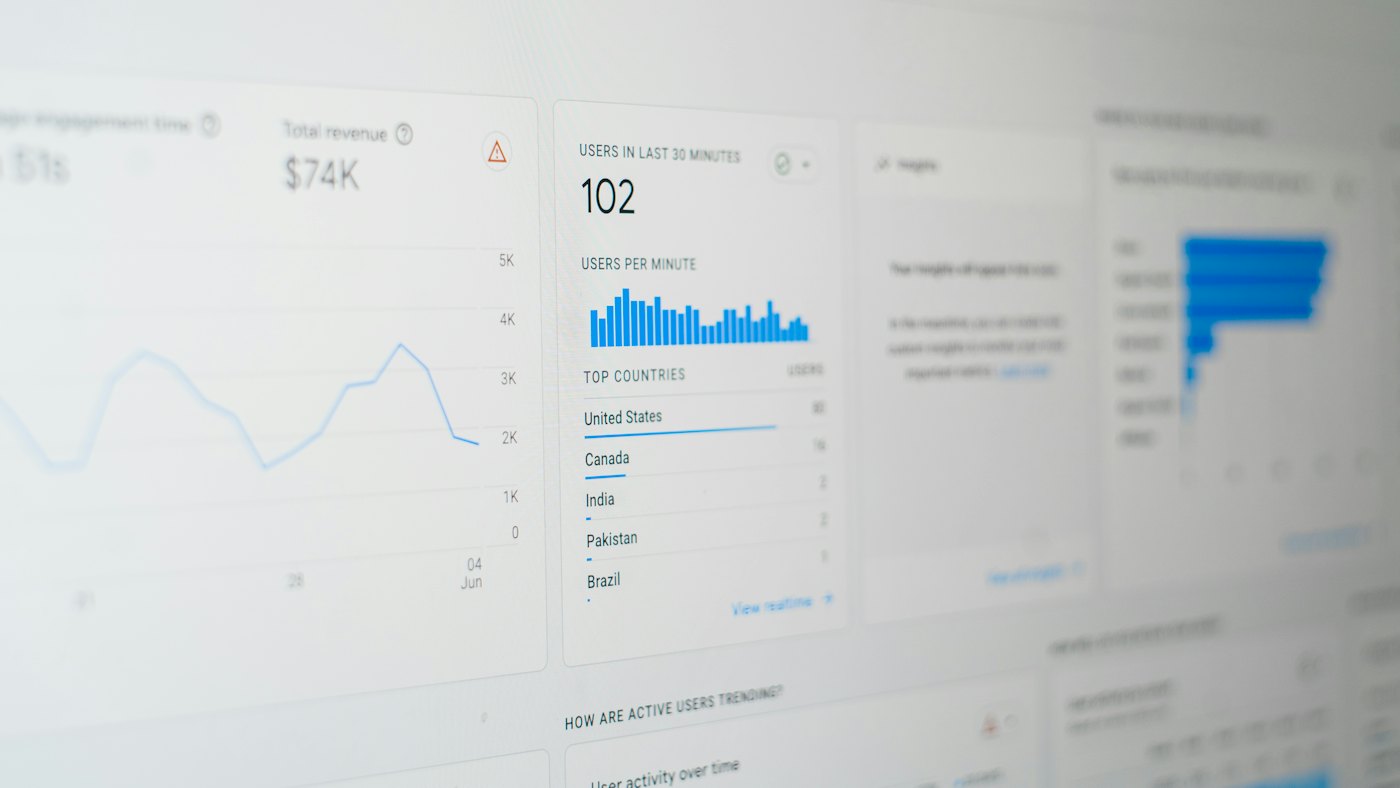
Almost every list in Odoo, such as sales orders, invoices, stock moves, timesheets or tickets, can switch to a pivot table or a graph. Group by salesperson and month, filter to one branch, measure revenue or margin, then save the view as a favourite or add it to a dashboard. Managers can answer most of their own questions without asking IT.
The KPIs that matter
| Area | KPI | Where in Odoo |
|---|---|---|
| Sales | Revenue and gross margin by branch and salesperson | Sales analysis, invoices |
| Cash | Cash and bank balance, expected inflows | Accounting dashboard, cash flow |
| Receivables | Overdue amount and days sales outstanding | Aged receivables |
| Stock | Stock value, slow movers, stock outs | Inventory valuation, reports |
| Purchasing | Spend by vendor, on-time delivery | Purchase analysis |
| People | Headcount, payroll cost, overtime | Payroll, employees |
- Agree on ten KPIs with management before building anything.
- Define each KPI in writing: formula, source, owner and target.
- Show trend and target, not just this month's figure.
- Review them in a fixed weekly meeting.
Spreadsheet dashboards
Odoo Spreadsheet, part of Enterprise, looks like Excel but reads live data from Odoo: pivots, lists and charts that update when the data does. Finance teams use it to build management packs, budgets versus actuals and branch comparisons without exporting anything. Finished spreadsheets can be published as dashboards for managers, with access controlled by group.
Live
Data in every dashboard
10
KPIs worth a weekly review
0
Exports needed for the pack
Per group
Dashboard access control
Budget against actual is covered in budgets and cost control in Odoo; for groups, read multi-company and intercompany in Odoo.
Making the numbers trustworthy
- Close each month on a fixed timetable, with bank and stock reconciled.
- Lock posted periods so last month cannot change after reporting.
- Post accruals and depreciation every month, not only at year end.
- Keep one definition per KPI so sales and finance report the same number.
A dashboard built on unreconciled data looks precise and is wrong. Fix the month-end routine first, then build the dashboard.
FlexCode builds your management reporting
We agree the KPIs with your management, fix the month-end routine, and build Odoo dashboards and a monthly pack your board will actually read.
Frequently asked questions
Does Odoo have built-in financial reports?
Yes: P&L, balance sheet, cash flow, ledgers, aged balances and tax reports.
Can I build my own dashboards?
Yes, with pivot and graph views, and with Odoo Spreadsheet dashboards in Enterprise.
Can reports be filtered by branch?
Yes, by company, branch or analytic account.
Can managers see dashboards on mobile?
Yes, in the browser or the Odoo mobile app.
Can I export reports to Excel?
Yes. Financial reports and pivot views export to Excel and PDF.
Talk to us about how Odoo fits your business. Book a free call
Run invoicing, stock and accounts from one system.
FlexCode Middle East implements Odoo in Arabic and English for companies in Egypt, Saudi Arabia and the UAE.